How AI Finds Your Duplicate and Similar Photos (And Why It's Better Than Manual Search)
Open your iPhone photo library and scroll through any recent event - a dinner with friends, a walk in the park, a family gathering. Count how many times you took essentially the same photo. Two shots of the same plate of food. Three selfies where only the angle changed slightly. Five photos of a sunset captured 10 seconds apart.
Now multiply that across every day, every month, every year you have owned your iPhone. The result? Most people have 20-30% more photos than they actually need, and the majority of that excess consists of duplicates and near-identical shots.
The question is: how do you find them all without spending your entire weekend scrolling?
You Have More Duplicates Than You Think
Duplicates sneak into your library from more places than you might expect. Here are the most common culprits:
Burst shots and rapid-fire photography
When you hold down the shutter button, your iPhone captures multiple frames per second. Even if you only meant to take one photo, you might end up with 10. Apple’s “Bursts” album captures some of these, but many slip through as individual photos - especially if you were just tapping the shutter quickly rather than using burst mode intentionally.
Recommended reading: How to Compare Photos Side by Side on iPhone (and Pick the Best Shot)
Screenshots of screenshots
You screenshot a recipe. Then you crop it. Now you have two copies. You screenshot a conversation to send to someone else. That is another duplicate. Over time, these stack up: the average iPhone user has hundreds of redundant screenshots.
Messaging app saves
When someone sends you a photo on WhatsApp, iMessage, or Instagram, and you save it, you now have a copy. If they sent the same photo through multiple apps (or you saved it twice accidentally), you have multiple copies. These duplicates are particularly sneaky because they often have different file names and metadata, making them invisible to simple detection methods.
Cloud sync complications
If you use iCloud Photos, Google Photos, or another cloud service, sync issues can create duplicates. Restoring from a backup, switching between devices, or toggling cloud sync on and off can all produce duplicate entries that look identical to you but have different file attributes.
Recommended reading: How to Clean 20,000+ iPhone Photos in Under an Hour
Social media downloads
That meme you saved from Instagram? You probably saved it again three months later when someone else posted it. Social media re-sharing creates a cycle of duplicate downloads that builds up silently.
Duplicate Impact
- 25% Average duplicate rate in photo libraries
- 5,000 Potential duplicates in a 20K library
- 15 GB Storage wasted on duplicates

Ready to clean your gallery?
Download Tidy and start swiping. AI-powered duplicate detection, smart filters, and a photo editor built in.
How Traditional Duplicate Detection Works
Most duplicate photo finders use a straightforward approach: exact file matching. They compute a hash (a digital fingerprint) of each file and compare them. If two files have the same hash, they are identical, byte for byte.
This works well for true copies - files that are bit-for-bit identical. But it completely fails for the most common types of “duplicates” in real life:
Recommended reading: How to Delete Screenshots on iPhone Easily (2026 Guide)
- Same photo, different resolution. You saved a photo from a message at a compressed resolution. The original is 4032x3024 pixels; the saved version is 1200x900. Exact match? Zero chance.
- Same scene, slightly different crop. You took two photos of the same thing, one a few pixels to the left. To a file hash, these are completely different files.
- Same photo, different format. A JPEG and a HEIC of the same image will have entirely different file hashes, even though they look identical to your eyes.
- Same moment, slightly different timing. Two photos of your friend laughing, taken half a second apart. Virtually the same memory, but technically unique files.
In practice, exact file matching catches maybe 10-15% of the duplicates in a typical library. The rest - the “almost duplicates” that a human would immediately recognize as redundant - slip right through.
How Perceptual Hashing Changes Everything
This is where things get interesting. Instead of comparing files at the binary level, Tidy uses a technology called perceptual hashing (pHash) to compare what photos actually look like to the human eye.
Here is how it works, in plain language:
Step 1: Simplify the image
First, the algorithm shrinks the photo way down - to a tiny thumbnail, roughly 32x32 pixels. It also converts it to grayscale. This strips away details that do not matter for recognizing “sameness” (exact colors, fine textures) while preserving the overall structure and composition.
Step 2: Apply a mathematical transform
Next, it applies something called a Discrete Cosine Transform (DCT) to the thumbnail. Without getting too deep into the math, DCT breaks the image down into its frequency components - essentially describing the image in terms of patterns rather than individual pixels. Think of it like describing a song by its melody rather than each individual sound wave.
Step 3: Generate a compact fingerprint
From the DCT output, the algorithm extracts the most important patterns and converts them into a 64-bit hash - a compact fingerprint that captures the essence of what the photo looks like. Two photos of the same scene will produce very similar hashes, even if they differ in resolution, compression, format, or minor cropping.
Step 4: Compare fingerprints
To check if two photos are similar, Tidy compares their hashes using something called Hamming distance - basically counting how many bits differ between the two fingerprints. A distance of 0 means the images look identical. A distance of 5-10 means they are very similar. Above 15, they are probably different photos entirely.
In simple terms: Instead of asking “are these files the same?”, perceptual hashing asks “do these photos look the same to a human?” That is a much more useful question when you are trying to clean your library.
Smart grouping with Union-Find clustering
Finding pairs of similar photos is just the beginning. The real power comes from grouping them intelligently. Tidy uses a technique called Union-Find clustering to group related photos together. If Photo A is similar to Photo B, and Photo B is similar to Photo C, all three end up in the same group - even if A and C are not directly similar to each other.
This means when you are reviewing a burst of 8 photos from the same moment, Tidy presents them all together so you can pick the best one and drop the rest in a single pass.
Similar vs. Duplicate: What’s the Difference?
Tidy distinguishes between two categories, and the difference matters:
Duplicates
These are photos that are essentially the same image, possibly saved in different formats or at different resolutions. The same photo you saved from WhatsApp and also have as an original. The same screenshot captured twice. With duplicates, there is no meaningful difference between copies - you just want to keep one and delete the rest.
Similar photos
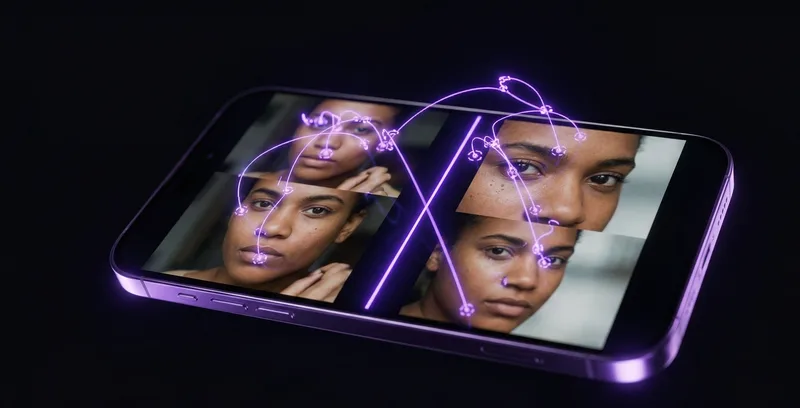
These are photos of the same moment or scene, but with slight variations. Three shots of a sunset where the clouds shifted slightly between each one. Two selfies where your expression is a little different. Five photos of your meal from marginally different angles. With similar photos, you want to pick the best one and drop the rest.
This distinction matters because the decision is different. For duplicates, the choice is trivial - keep any one copy. For similar photos, you want to compare and choose your favorite. That is why Tidy has a compare mode that shows similar photos side by side, making it easy to spot the sharpest, best-composed, or most flattering shot.
Why AI Detection Beats Manual Scrolling
Could you theoretically find all your duplicates by scrolling through your library manually? Sure - if you have unlimited time and a perfect memory. In practice, AI-powered detection wins for several clear reasons:
Speed
Tidy can analyze thousands of photos in the background while you go about your day. A full scan of 20,000 photos takes minutes of processing time, not the hours or days it would take you to manually compare every photo against every other photo. And the math is sobering: comparing each photo to every other photo in a 20,000-photo library means 200 million potential comparisons. No human is doing that.
Consistency
Your eyes get tired. Your attention wanders. You might notice that two photos are similar when they are right next to each other in your camera roll, but miss them entirely when they are separated by 500 other photos. The algorithm never gets tired and never misses a match, regardless of how far apart two similar photos are in your timeline.
Catching what you miss
Perceptual hashing catches similarities that most people would overlook: a photo and its cropped version, the same image saved at different quality levels, screenshots of the same content taken weeks apart. These are the duplicates that silently bloat your library without you ever noticing.
Smart prioritization
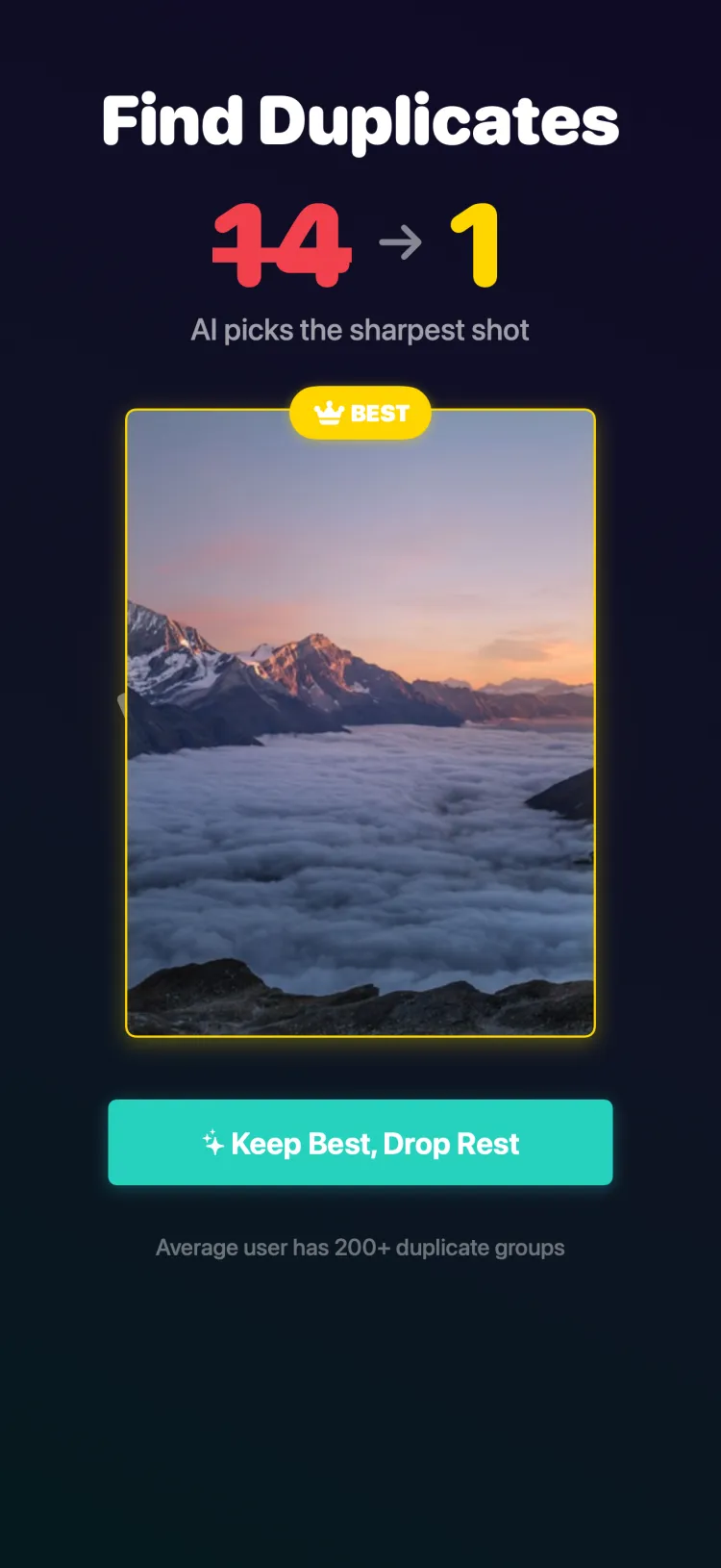
When Tidy finds similar groups, it does not just dump them in a list. It suggests which photo to keep based on quality signals - sharpness, exposure, resolution. The blurry shot of five nearly identical photos gets flagged for dropping. The sharpest one gets suggested as the keeper. You still make the final call, but the AI does the heavy lifting of analysis.
Privacy: Everything Stays on Your Device
Here is something important: all of Tidy’s photo analysis happens entirely on your iPhone. Your photos are never uploaded to any server. The perceptual hashing, similarity detection, and clustering all run locally using your device’s processor.
This matters because your photo library is deeply personal. It contains your family, your home, your private moments. Many photo management tools require cloud uploads for their AI features to work. Tidy does not. Your photos never leave your device, period.
The background analysis runs when your phone is charging overnight, using Apple’s BackgroundTasks framework. By the time you open Tidy in the morning, your library has been analyzed and your duplicates are ready to review - all without a single byte of your data leaving your iPhone.
Zero cloud uploads. Zero data collection. Zero compromises. Every bit of AI processing runs on your iPhone’s neural engine. Your photos are your business, and they stay that way.
Put AI to Work on Your Library
Finding and removing duplicate and similar photos is one of the fastest ways to free up iPhone storage. If your library has 20,000+ photos, there is a very good chance that thousands of them are redundant - and you would never find them all by scrolling manually.
Tidy’s AI does the tedious work of scanning, comparing, and grouping. You get the satisfying part: swiping through the results and deciding what stays. Pick the best shots from each group, drop the rest, and enjoy a library that is leaner, more organized, and easier to browse.
Combined with the built-in photo editor, you can even touch up your keepers before you finish your cleaning session.